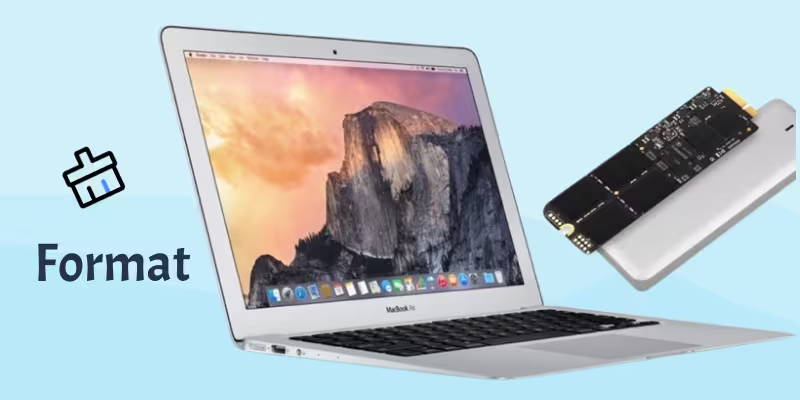
Overview
New SSDs must be formatted before they can be used. This guide explains how to format your SSD on both Windows and macOS.
Windows: Format Your SSD
1. Open Disk Management
⦁ Press Windows + X → choose Disk Management.
2. Locate the New Drive
⦁ It will appear as “Unallocated.”
3. Create a New Volume
⦁ Right-click → New Simple Volume → click Next.
4. Choose File System
Recommended:
⦁ NTFS (general use)
⦁ exFAT (cross-compatible with Mac)
5. Name the Drive and Finish
⦁ Enter a name → Finish.
macOS: Format Your SSD
1. Open Disk Utility
⦁ Applications → Utilities → Disk Utility.
2. Select Your Drive
Appears on the left panel.
3. Click “Erase”
Choose:
⦁ APFS – Best for macOS
⦁ exFAT – Cross-compatible
⦁ Mac OS Extended (Journaled) – Older macOS use
4. Confirm and Format
Click Erase to complete.
Important
Formatting deletes all data on the drive.
Troubleshooting
If the drive does not appear:
⦁ Try another USB port
⦁ Confirm the enclosure is detected under Device Manager/System Report